Intro to Smart Home
☁️ Easiest start: WiFi devices that depend on the vendor cloud
Prerequisites
[!NOTE] This approach needs:
- A 2.4GHz WiFi network, not 5GHz
- A working internet connection 🌐
- The vendor app and cloud service to stay online
- Buy a WiFi device
- Install the app they tell you to use on your phone
- Follow the manual to connect the device
[!WARNING] I neither use nor trust this setup
- Your device talks to some remote server just to switch on a bulb a couple of meters away
- If your internet is down, setup may fail and the device may stop responding properly
- If the vendor app, cloud, or region has issues, your devices can become slow, unreliable, or unusable
- The vendor can shut down the app or cloud whenever they want, turning your hardware into e-waste
- It's acceptable as a starting point. Just don't build your entire house around it
Where to buy devices
How to find devices
-
Search by brand
- Tuya (cheap)
- Moes (mid)
- Sonoff (mid/expensive)
- Aqara (expensive)
-
Search by device type
- WiFi/Smart bulb
- WiFi/Smart switch
- WiFi/Smart plug
Brands - lessons learned the hard way
[!WARNING] Tuya
- LED bulbs run quite hot, and some failed after only a few months
- Plugs either die completely or the relay fails after a few months
- "Tuya" is not really a brand - it's a platform. You get the same white-label hardware sold under dozens of names
[!WARNING] Moes
- Their labeling is sometimes misleading - a human presence sensor is not always actually a presence sensor
WiFi vs Zigbee
For a smart-home setup, both Wi-Fi and Zigbee are useful - but they are good at different things.
| WiFi | Zigbee | |
|---|---|---|
| Extra hardware | None | Coordinator required |
| Power draw | High | Very low |
| Battery devices | Not a good fit | Designed for them |
| Range | Limited to router | Mesh - every mains device extends it |
| Device count | Routers struggle | Hundreds |
| Bandwidth | High (camera/audio) | Tiny (on/off, sensor values) |
Recommendation
Use both.
- Zigbee - battery-powered devices (sensors, buttons, door contacts) and wall switches
- WiFi - speakers and other devices that move real data
- Network cable / PoE - cameras, whenever possible
[!NOTE]
- Zigbee also operates on 2.4 GHz, so reduce interference by choosing channels that do not overlap with WiFi
- If WiFi uses 1 / 6 / 11, choose Zigbee 15, 20, 25, or 26
- Every mains-powered Zigbee device acts as a router and strengthens the mesh. Battery devices do not repeat
[!TIP] Before buying anything, search the model name on Zigbee2MQTT supported devices and Blakadder. If it is missing from both, you're probably on your own
Zigbee Coordinator
A Zigbee coordinator is the hub device for your Zigbee network.
Types of Zigbee Coordinators
[!NOTE]
- Zigbee coordinators come in different versions. Buy the 3.0 version, which is the latest
- Which coordinator should you buy?
- No PC?
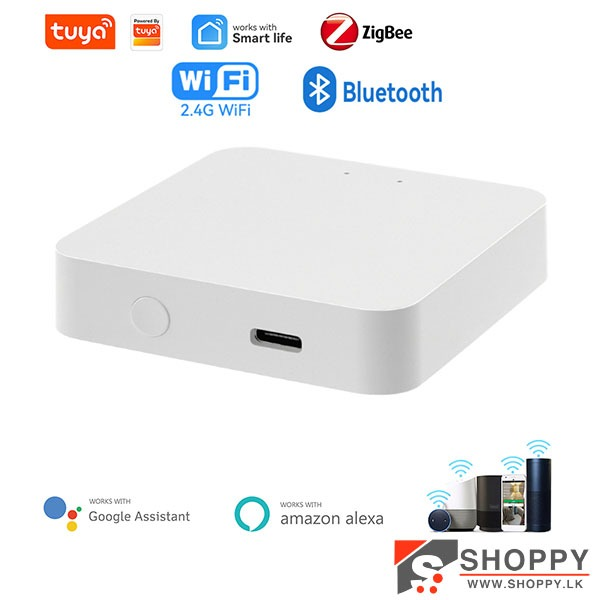
- Tuya ZigBee 3.0 Multimode Gateway - cheapest option, but cloud-based and internet-dependent 🌐
- Have a PC?
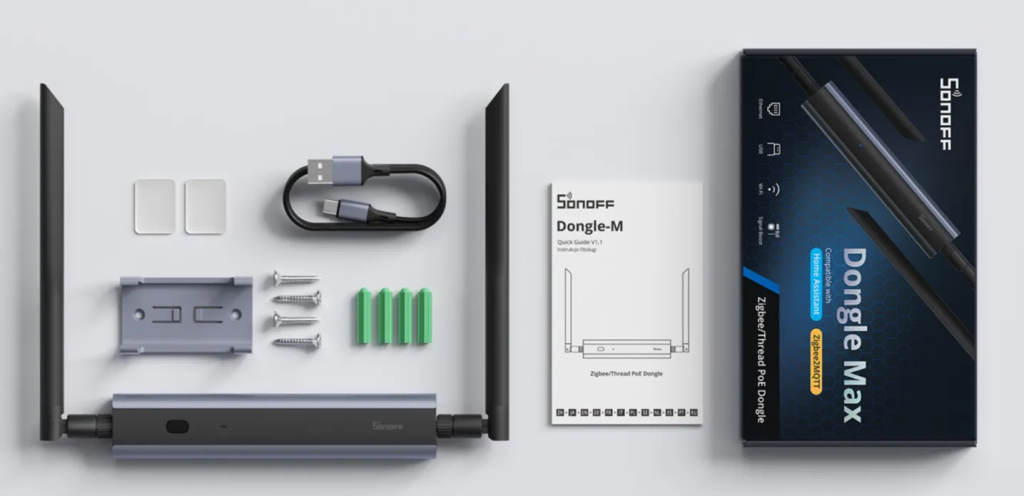
- SONOFF Dongle-M (dual antenna) - this is the one I recommend
- Other simple USB Zigbee 3.0 dongles are also worth considering before jumping to an SLZB-06
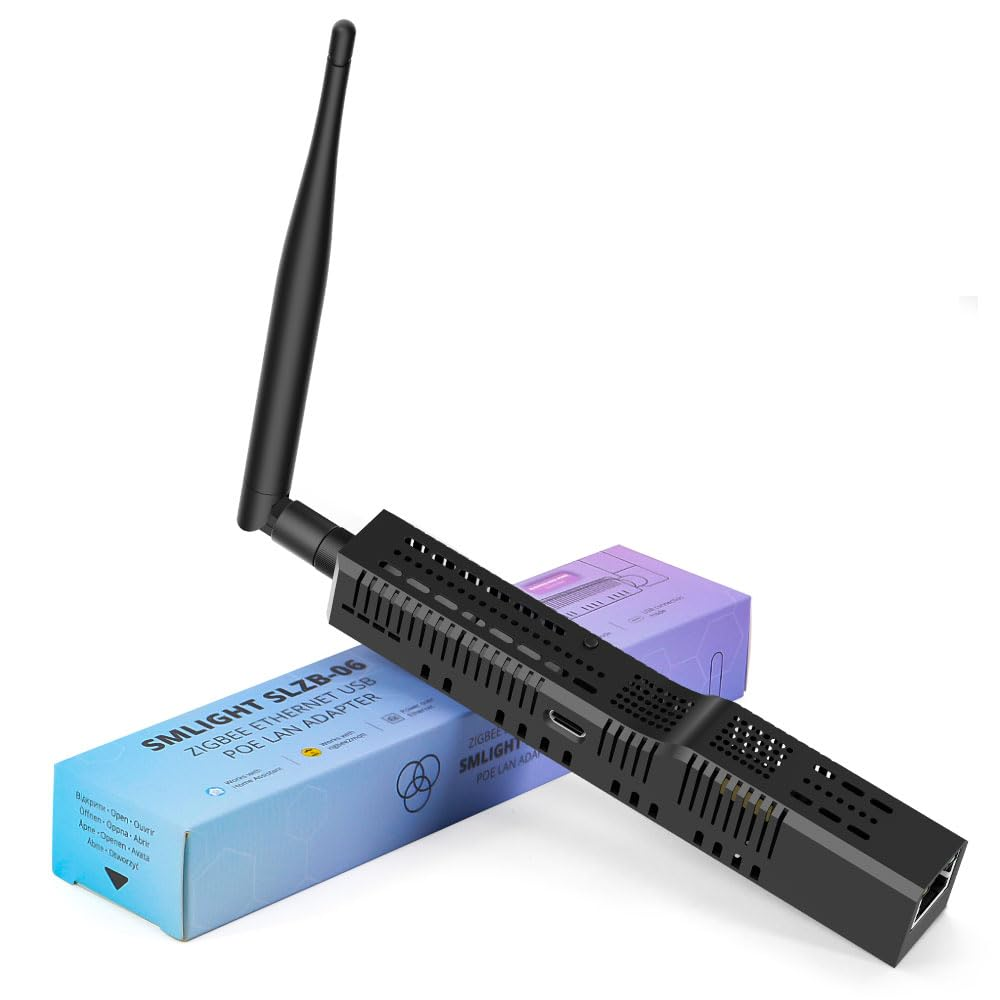
- SLZB-06 - Ethernet/PoE, only worth it if your server is in a terrible location for radio. It did not work for me - see below
- No PC?
[!WARNING] Keep the coordinator away from USB 3.0 ports, SSDs, and the PC case. USB 3 noise wrecks 2.4GHz. Use a USB extension cable - that solves most "Zigbee is unstable" complaints
☁️ Tuya ZigBee 3.0 Multimode Gateway (vendor cloud required)
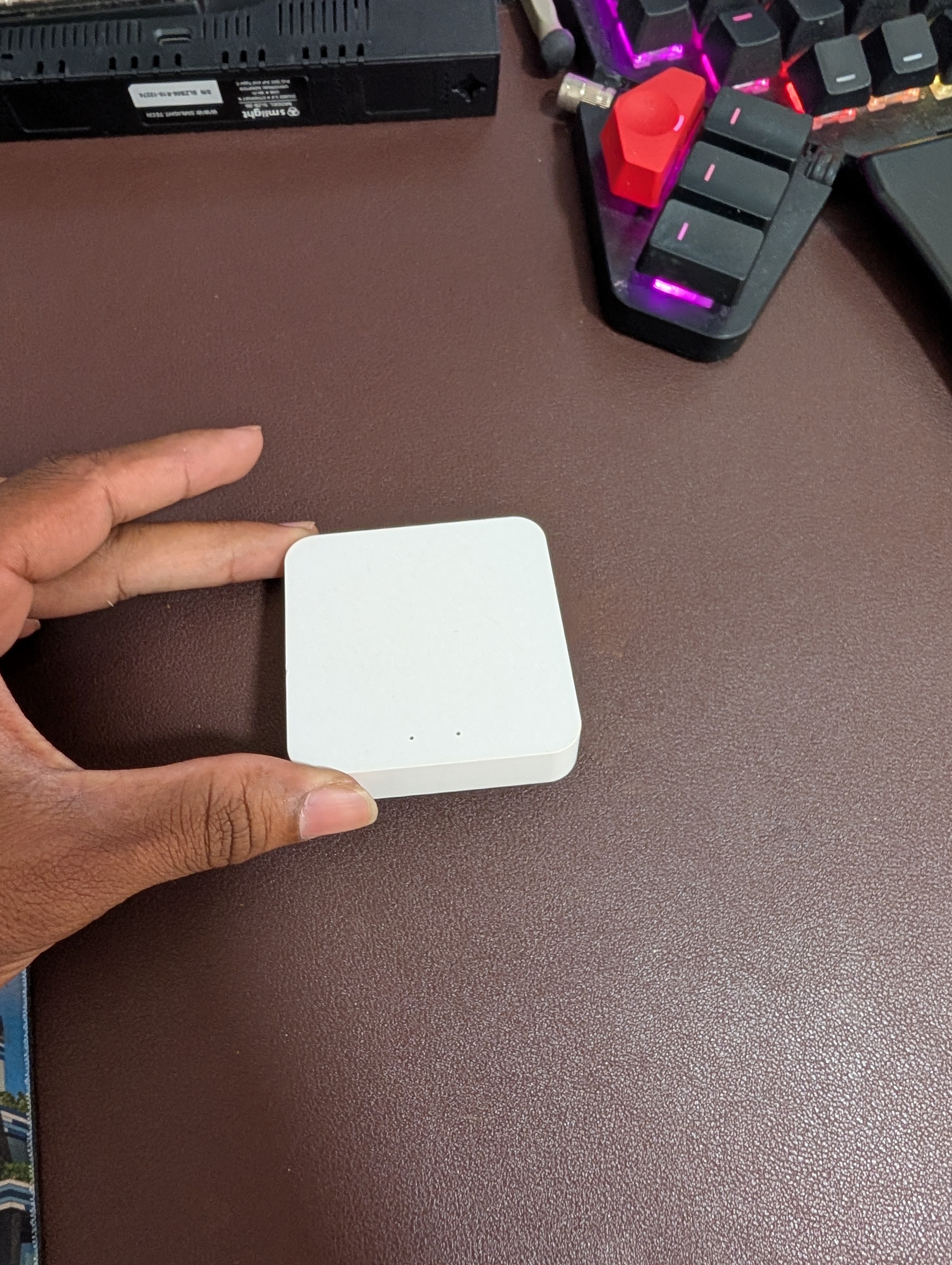
- Cheapest way to get started, no PC required
- But it is a cloud gateway - so you're back to the vendor app
- Needs internet and the vendor service to stay up 🌐
- If the internet or vendor cloud has issues, pairing, control, and automations may break
- Buy this only if you do not plan to run Home Assistant
☁️ Tuya cloud gateway - ports and pairing button
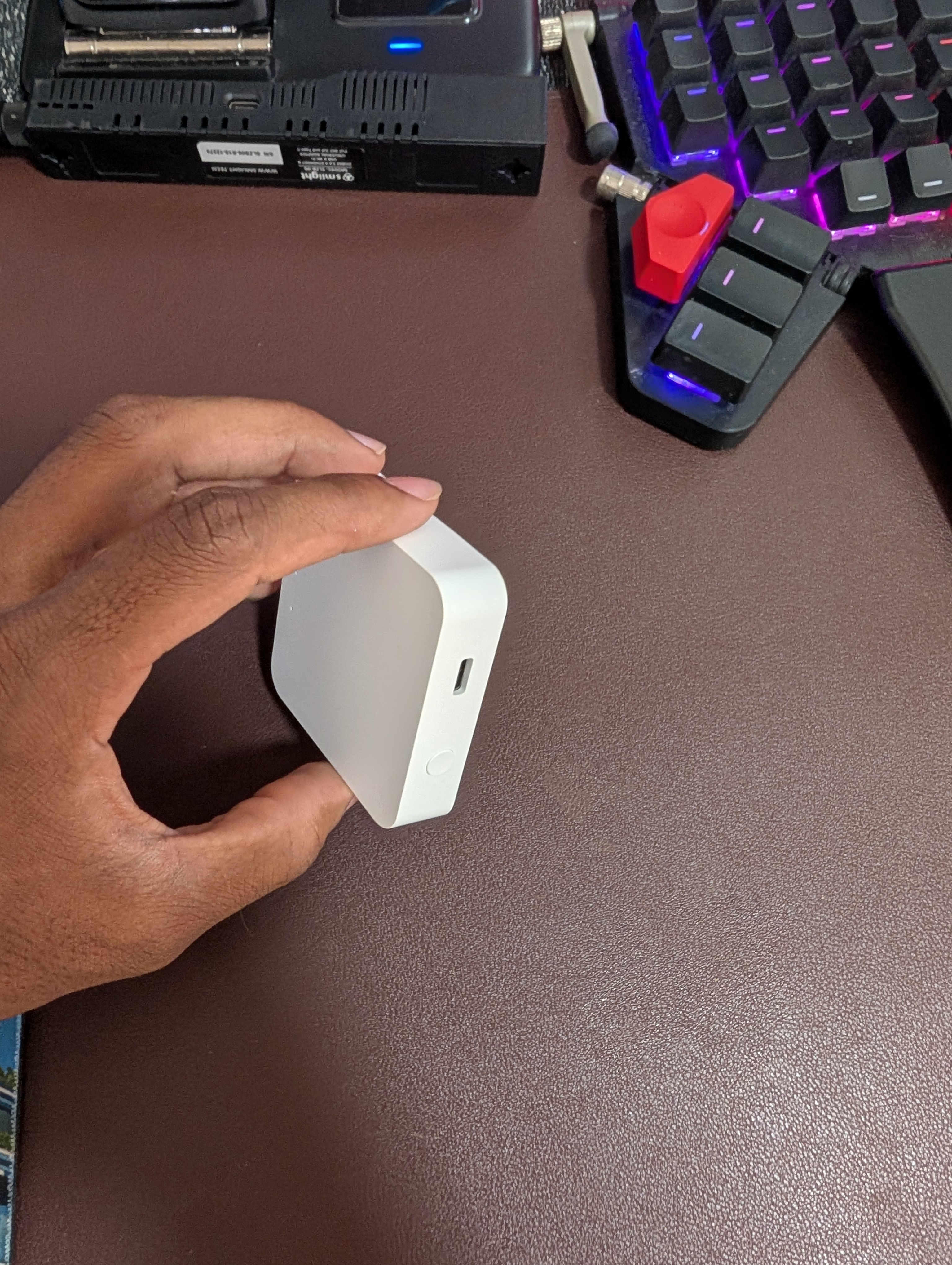
☁️ Tuya cloud gateway - product shot
SONOFF USB dongles
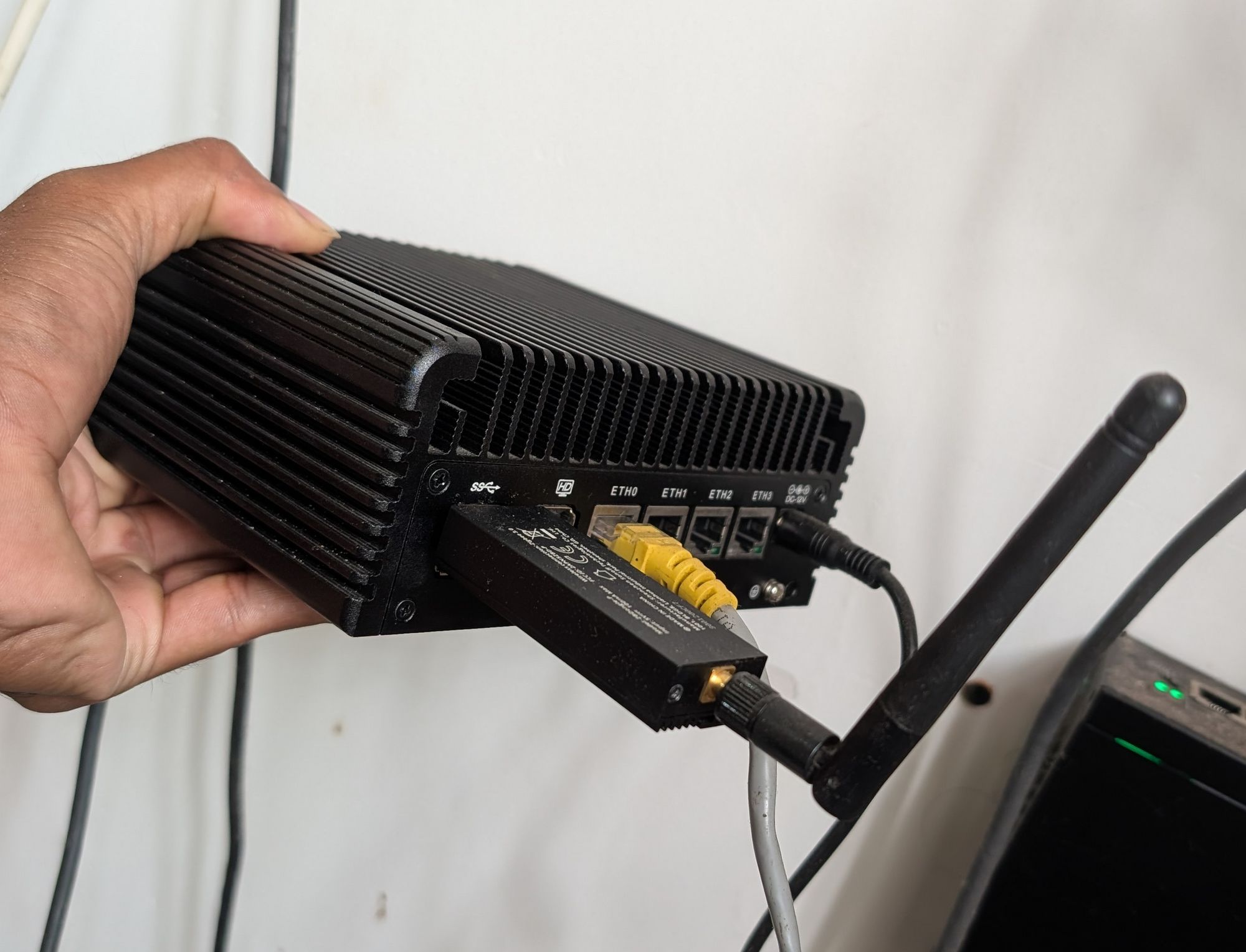
- ZBDongle-P (TI CC2652P) - the safe, boring, well-supported option
- ZBDongle-E (Silabs EFR32MG21) - newer, but early firmware support was rough
- Plugs into the PC or server running the software
SONOFF USB dongles - product shot
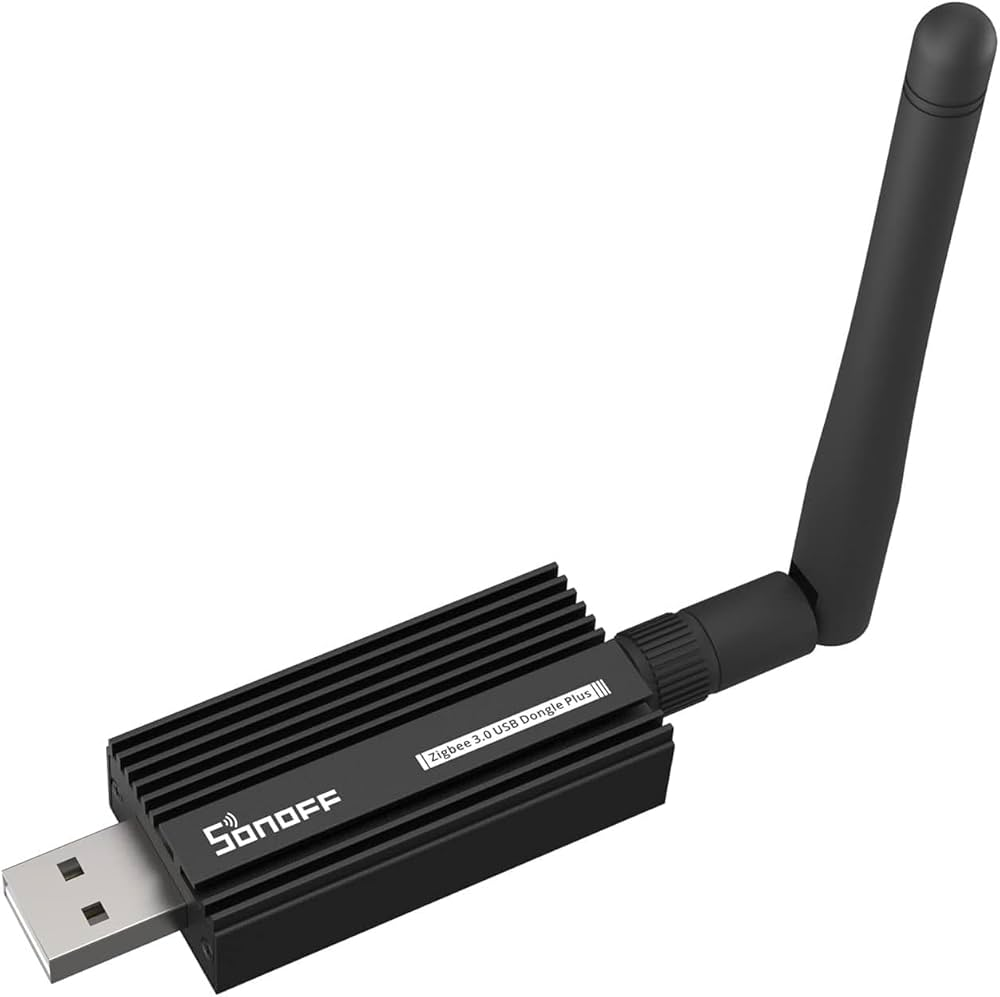
SONOFF Dongle-M (Recommend)
SLZB-06
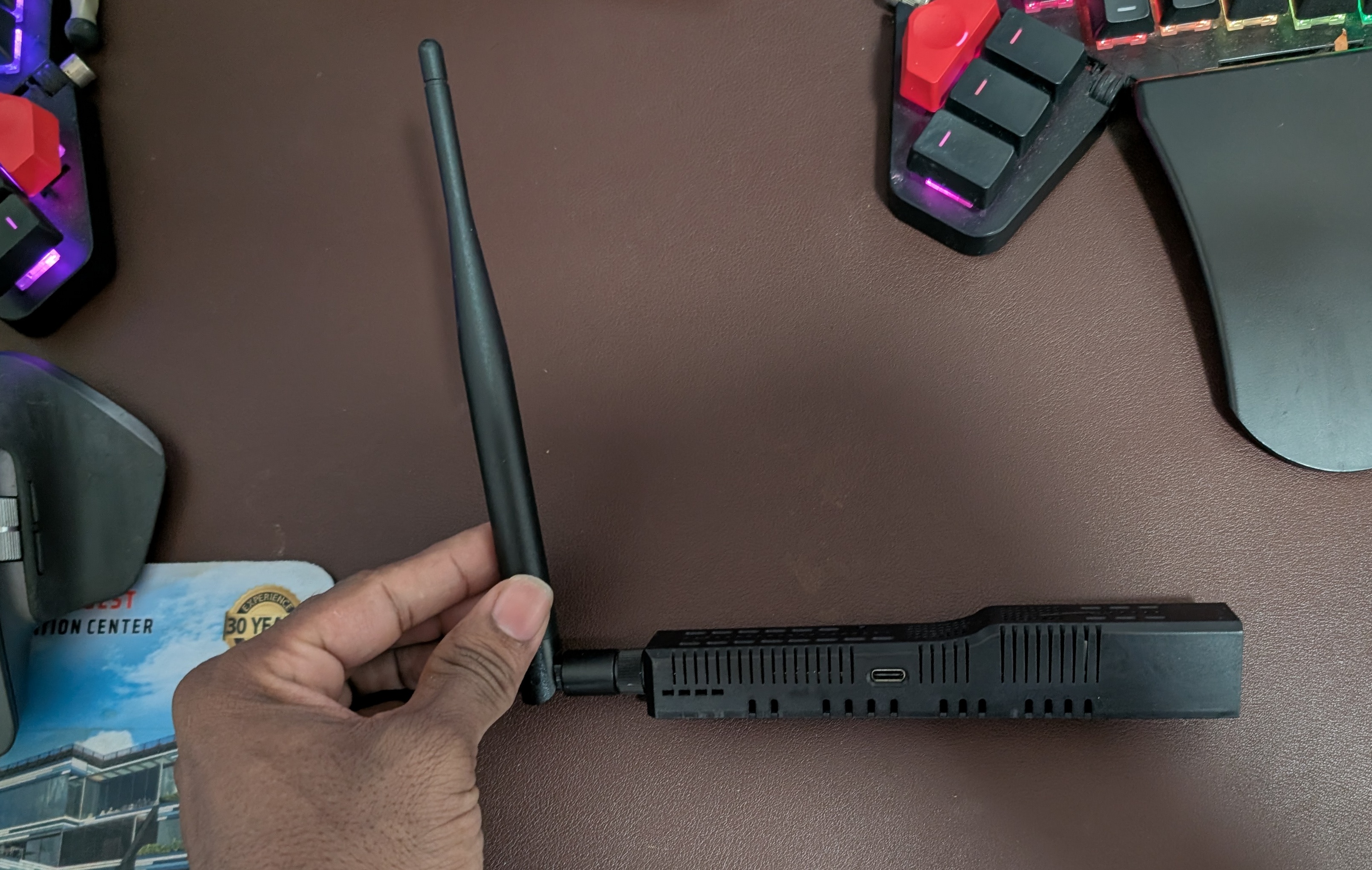
- Ethernet / PoE / WiFi / USB - place it in the middle of the house instead of next to the server
- On paper, it has the best placement options of the three
[!WARNING] This did not work for me - devices kept falling off the network (this issue). I switched to the SONOFF Dongle-M
SLZB-06 - product shot
The brain
A coordinator is only a radio. Something still has to run the logic.
- Home Assistant - what I use. It runs on a mini PC, an old laptop, or a Pi
- Zigbee integration options:
- Zigbee2MQTT - broadest device support, more control
- ZHA - built into Home Assistant, less setup
[!NOTE] Choose one. Running both on the same dongle is not a real option
Home Assistant OS vs container setup
You have two normal ways to run Home Assistant:
- Home Assistant OS - easiest path. Flash it to a dedicated box and you get the full appliance-style experience, including add-ons and backups from the UI
- Docker / Podman / Quadlet - more flexible if you already have a Linux server and want Home Assistant to live next to the rest of your services
My actual configs
I do not run Home Assistant OS. I run the container approach on my Linux server.
If you want to copy my setup, use the actual configs from GitHub:
My Home Assistant dashboard
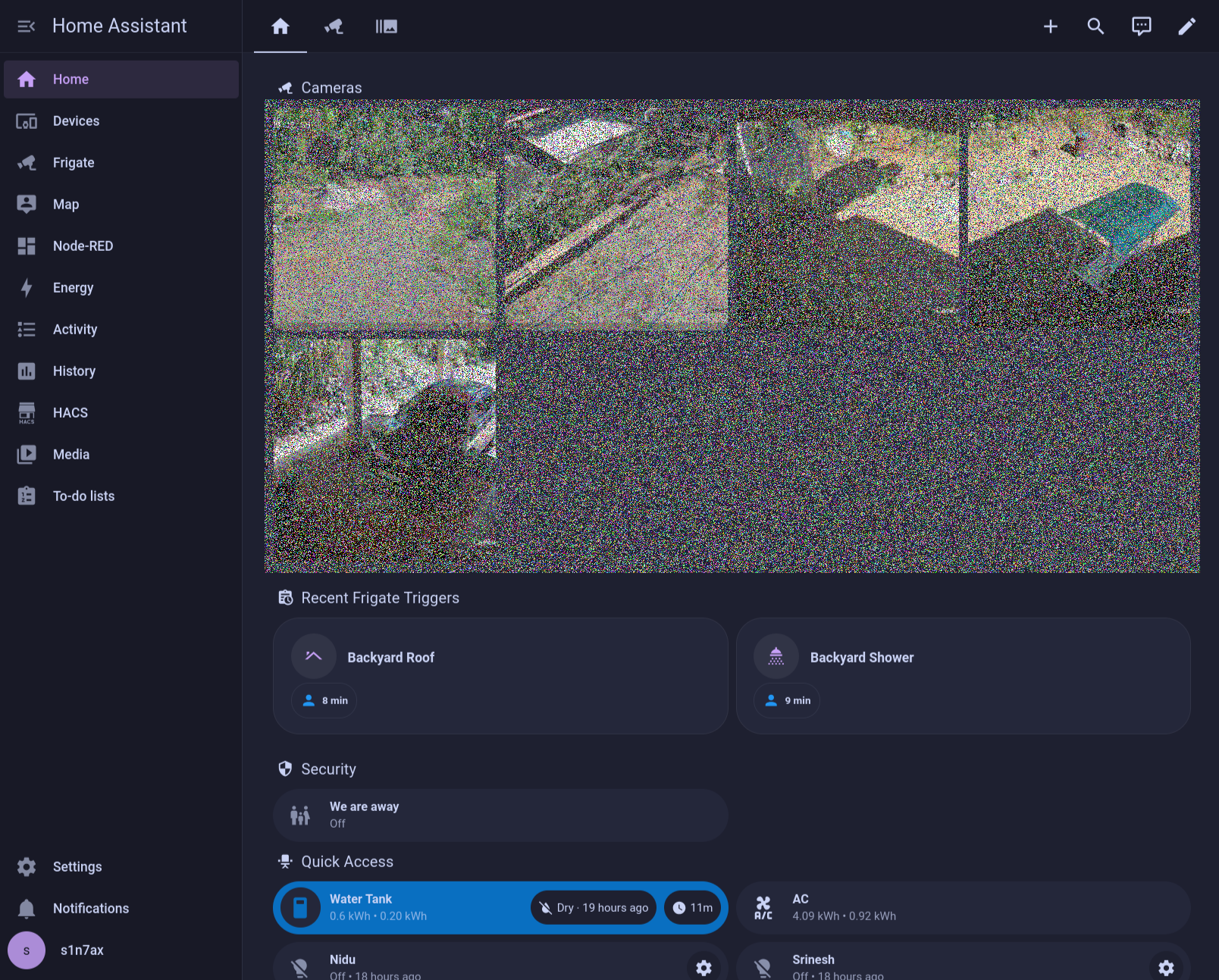
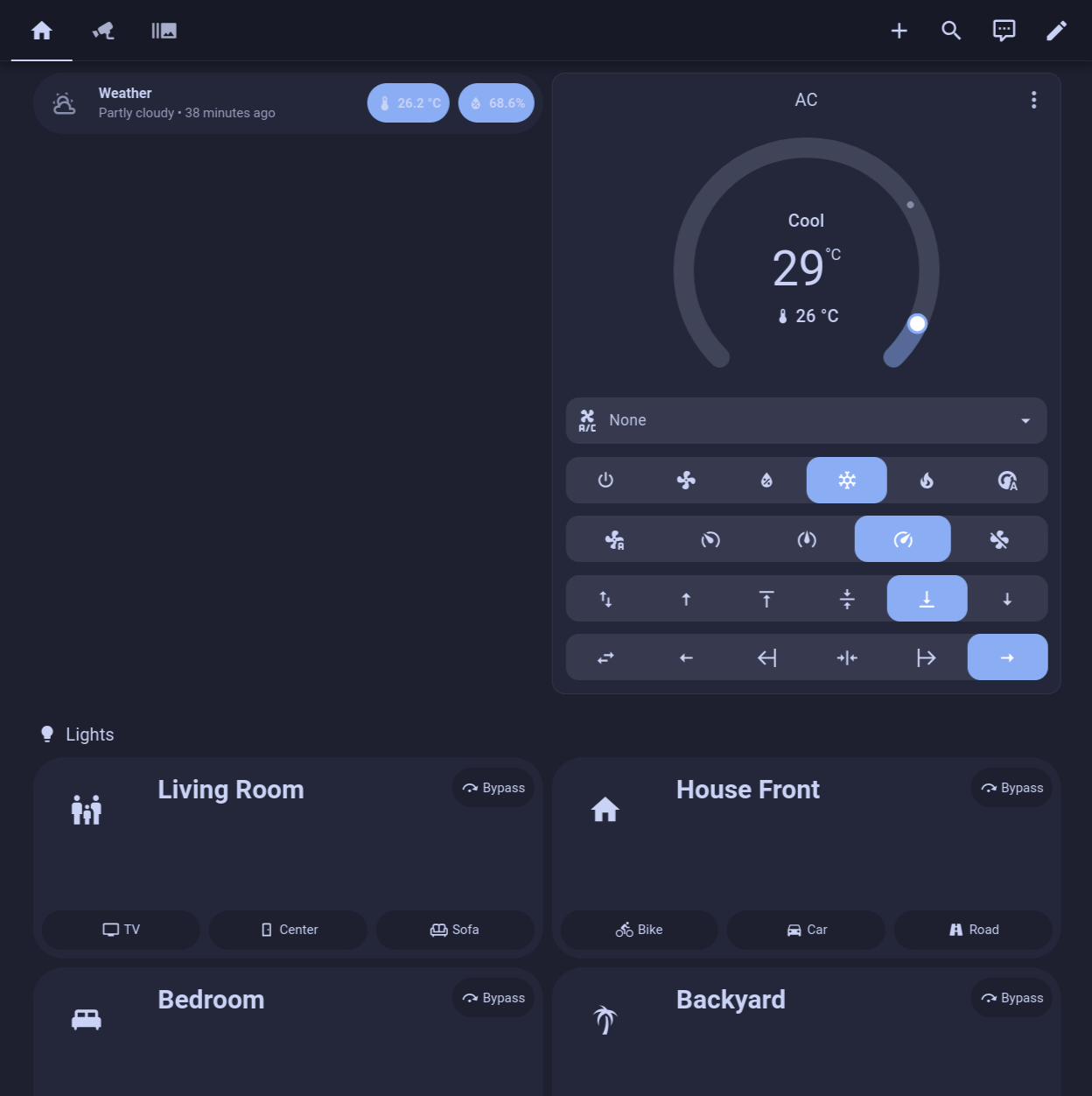
- Cameras, lights, AC, and the water tank - all in one place, with no vendor apps
- Works the same on your phone as it does in the browser
My Home Assistant dashboard
Node-RED
Node-RED - drag-and-drop automation. Install it as a Home Assistant add-on.
- Home Assistant automations are fine for simple "if this then that" logic
- Node-RED is for the ugly stuff - loops, delays, retries, and visible branching
- You can run both at the same time. Same devices, different editor
[!NOTE] It is not required. Start with Home Assistant automations and move only the messy ones to Node-RED
Home Assistant automation
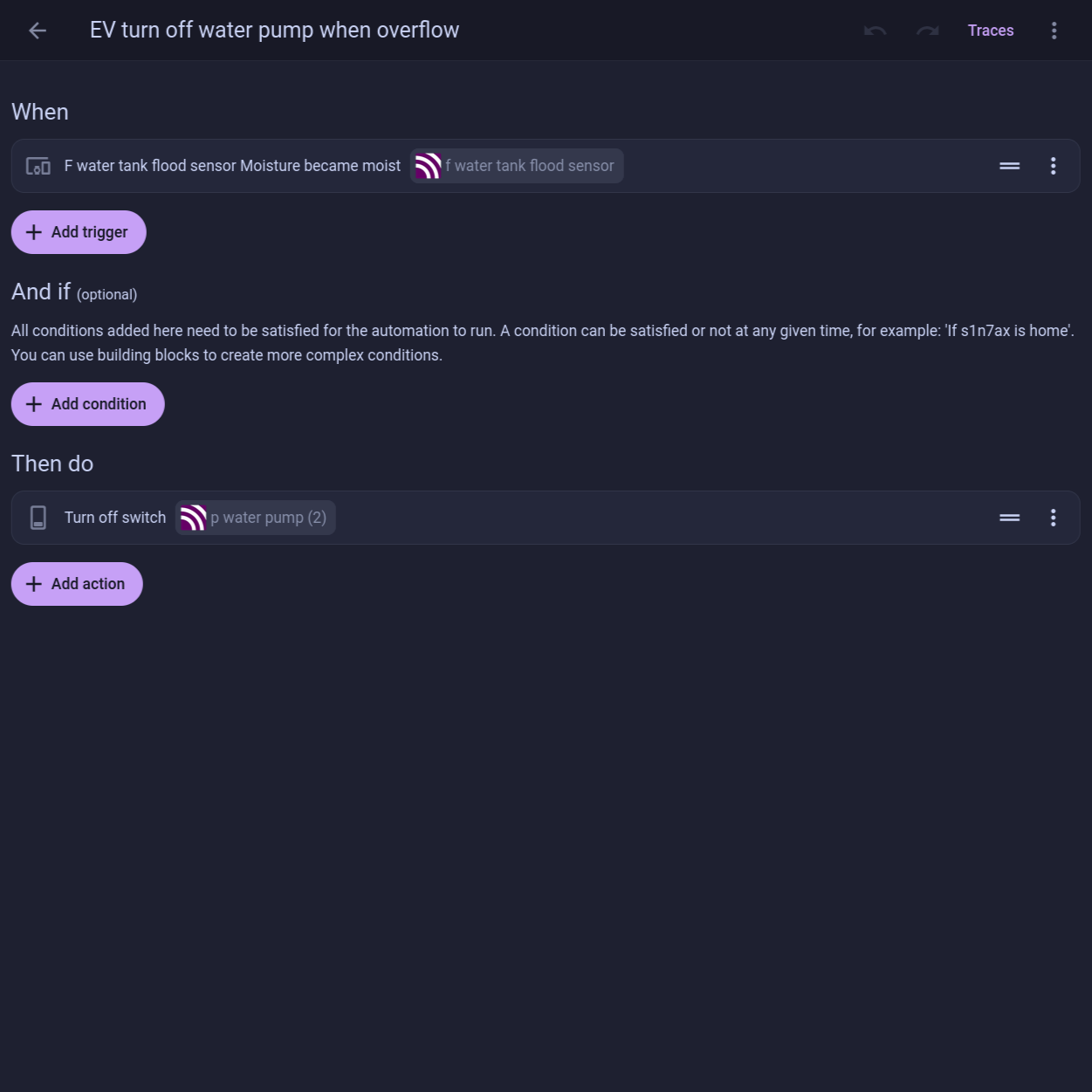
- When / And if / Then do - one trigger, one action, done in a minute
- Great for things like "flood sensor is wet -> shut off the pump"
Node-RED flow
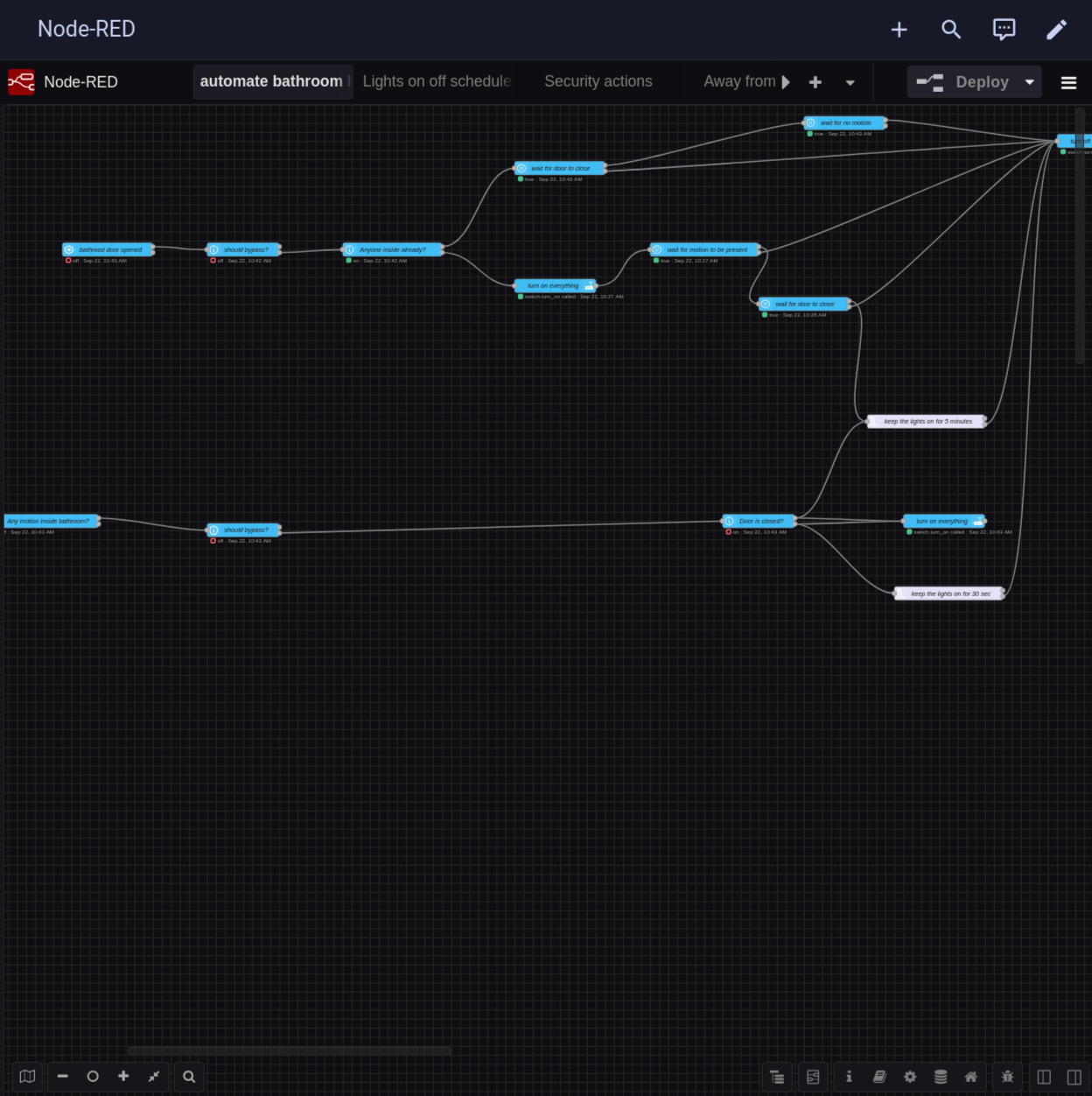
- Same basic idea, but you can see the full flow - waits, branches, timers
- This one is just for "bathroom lights": door opened, is anyone inside, wait for motion, wait for the door to close, keep the lights on for 5 minutes
- Try writing that as one Home Assistant automation and you will understand why Node-RED exists
Devices to buy
Door / window contact sensor
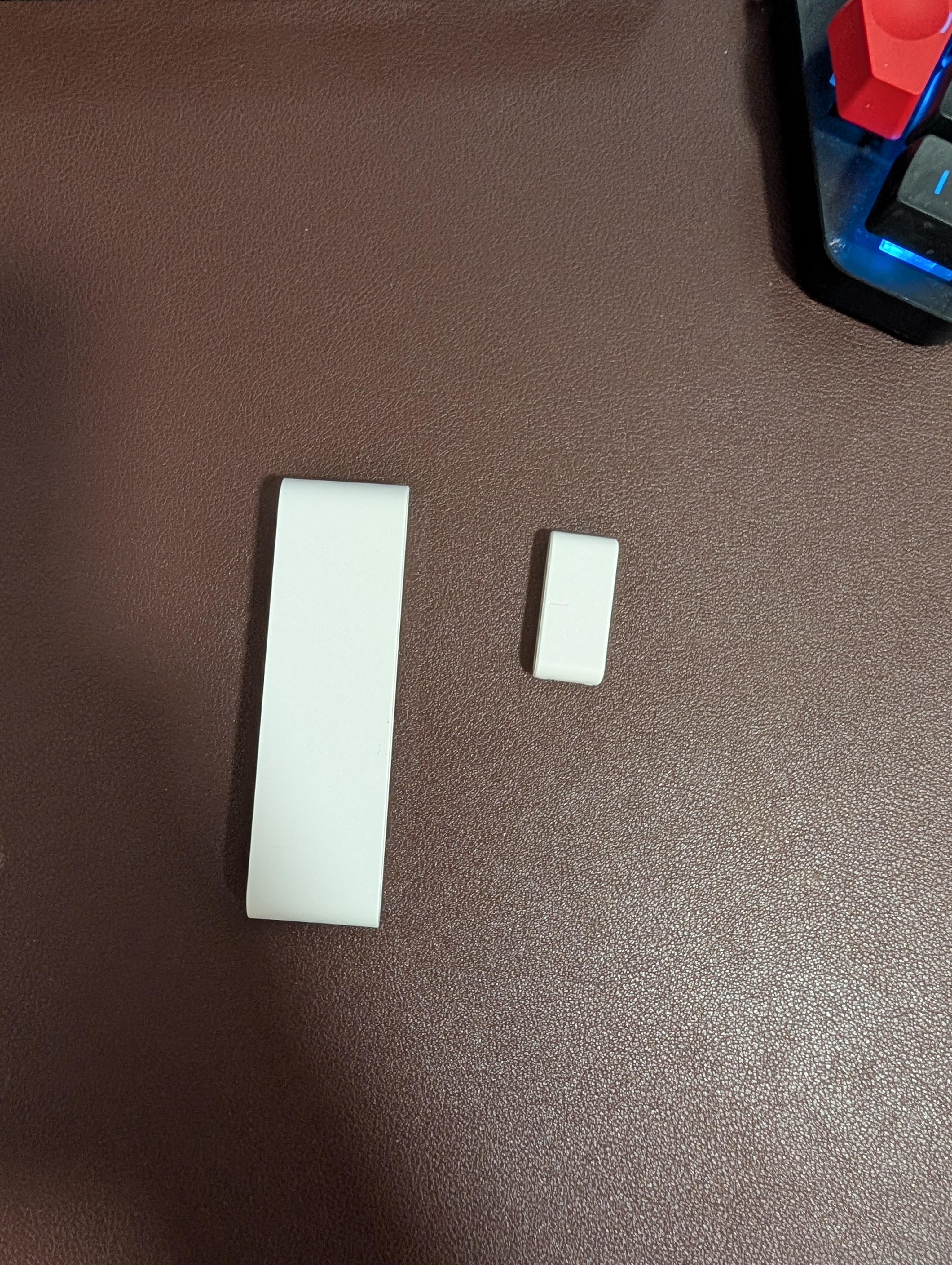
- Two pieces - the body on the frame, the magnet on the door. It only reports open or closed
- Battery powered, so Zigbee makes sense. Usually lasts a year or longer
- The first automation most people build - door opens, light turns on
Motion sensor (SONOFF PIR)
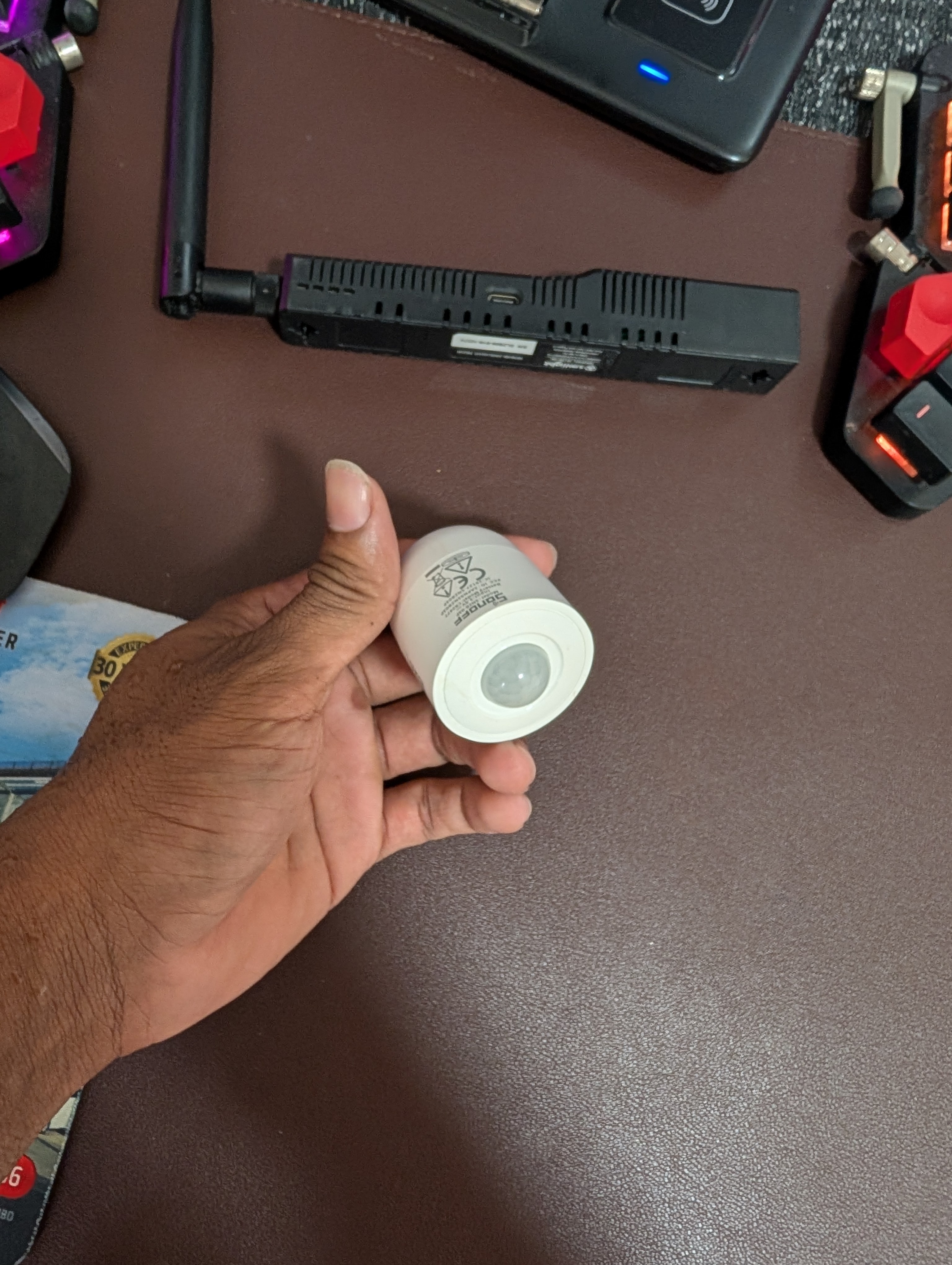
- PIR means it detects movement, not presence. Sit still and it assumes the room is empty
- Magnetic base, easy to stick in a corner
- Pair it with a door sensor so the lights stay on while you are actually using the room
[!WARNING] If you need "someone is in the room but not moving," you need an mmWave presence sensor, not a PIR. And Moes is not always honest about which one they are selling
Smart plug (Zigbee 3.0)
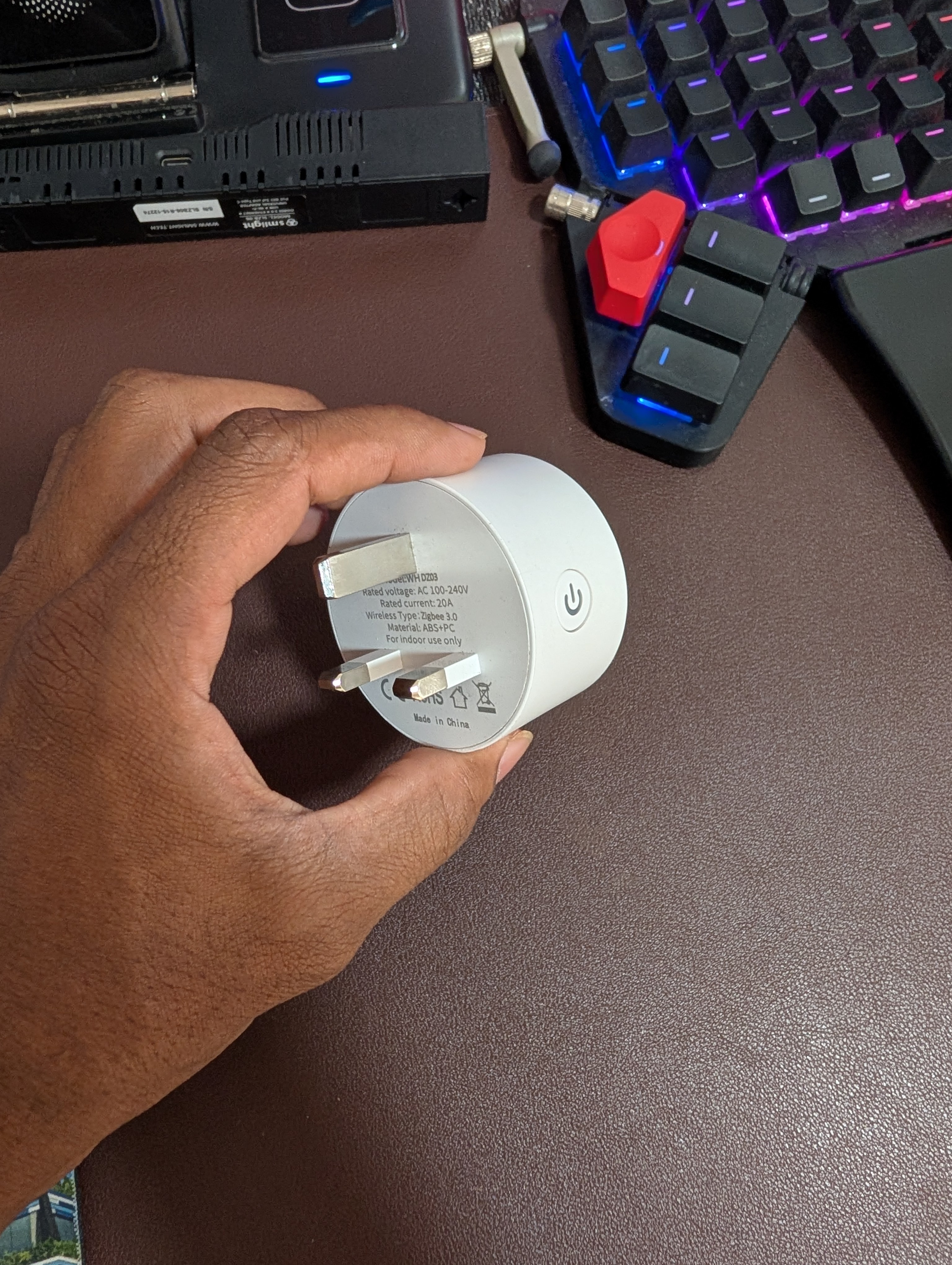
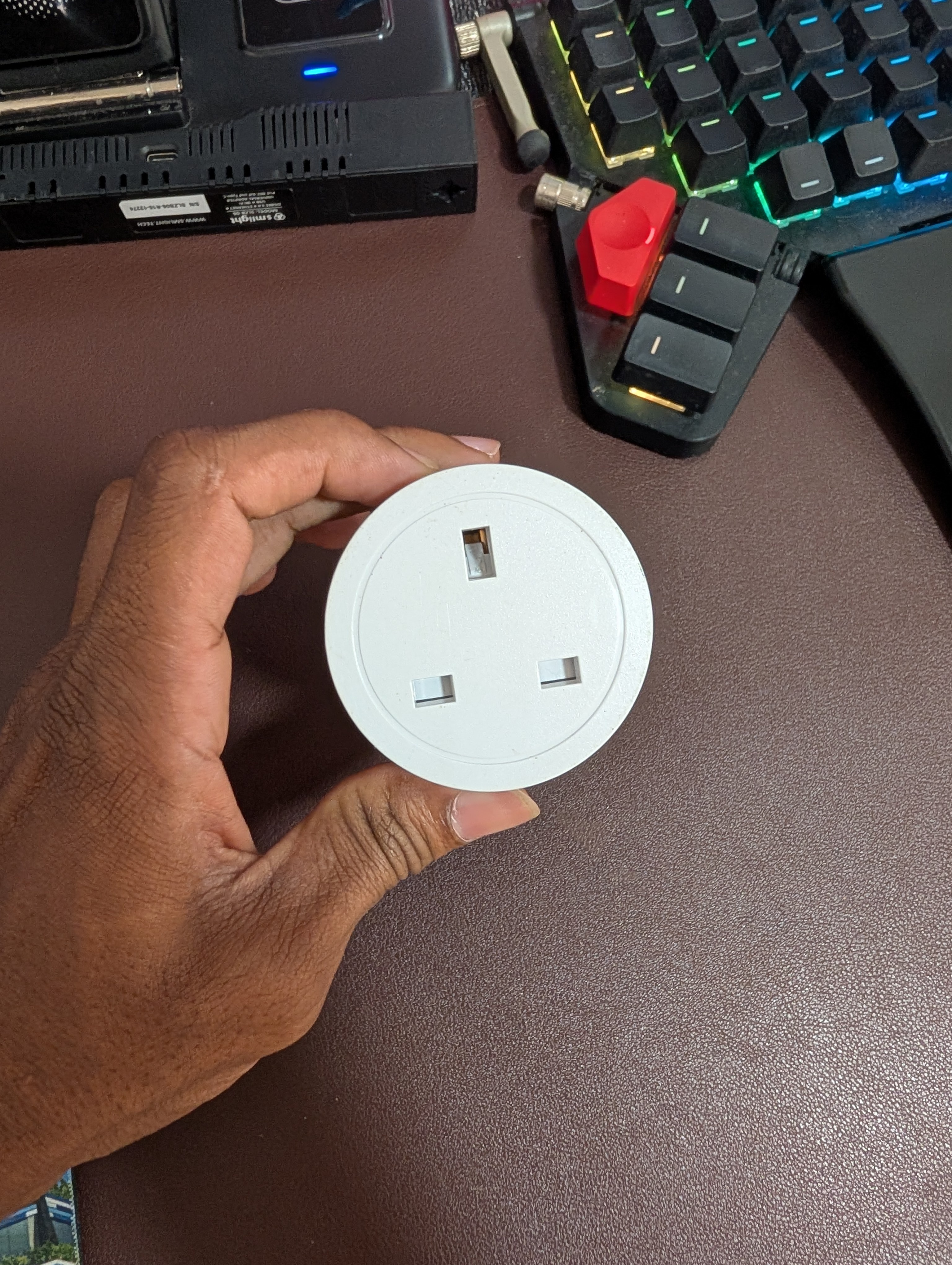
- Easiest upgrade - plug it in, no wiring, nothing to turn off at the breaker
- Most of them report power usage, so you can see what your fridge or pump actually costs
- Mains powered = Zigbee router. Buy 2-3 early and your mesh improves automatically
- Check the rated current before using one with a water pump or heater (this one is 20A)
In-wall relay module (SONOFF MINI)
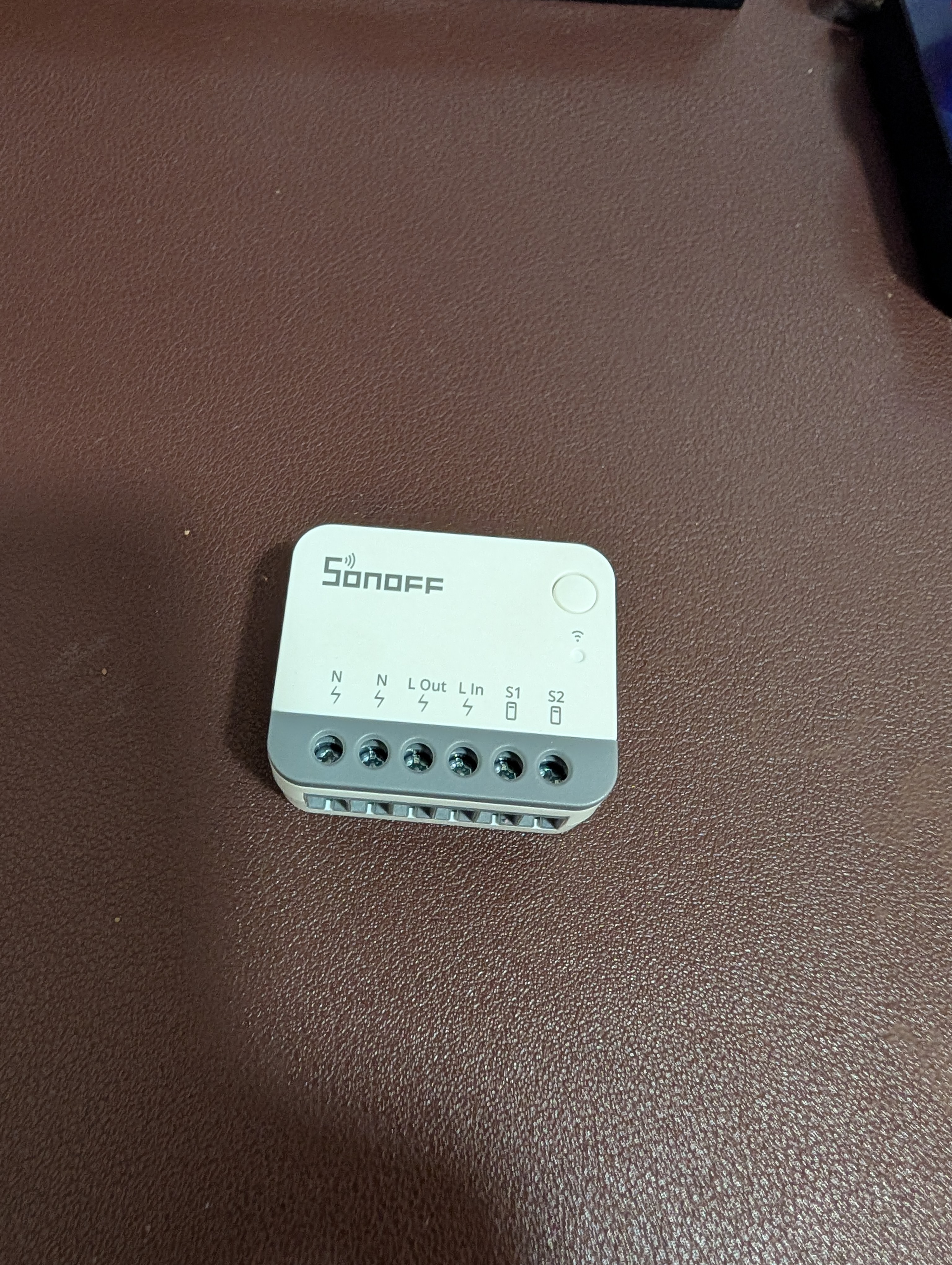
- Fits behind the existing wall switch, inside the back box
- The physical switch still works (S1/S2), and Home Assistant can control it too
- Best choice when you want the room to look normal but still be automated
- Requires neutral (N) in the switch box - many older houses do not have it
[!WARNING] Mains voltage. If you are not comfortable working inside a switch box, hire an electrician
Smoke detector (Aqara)
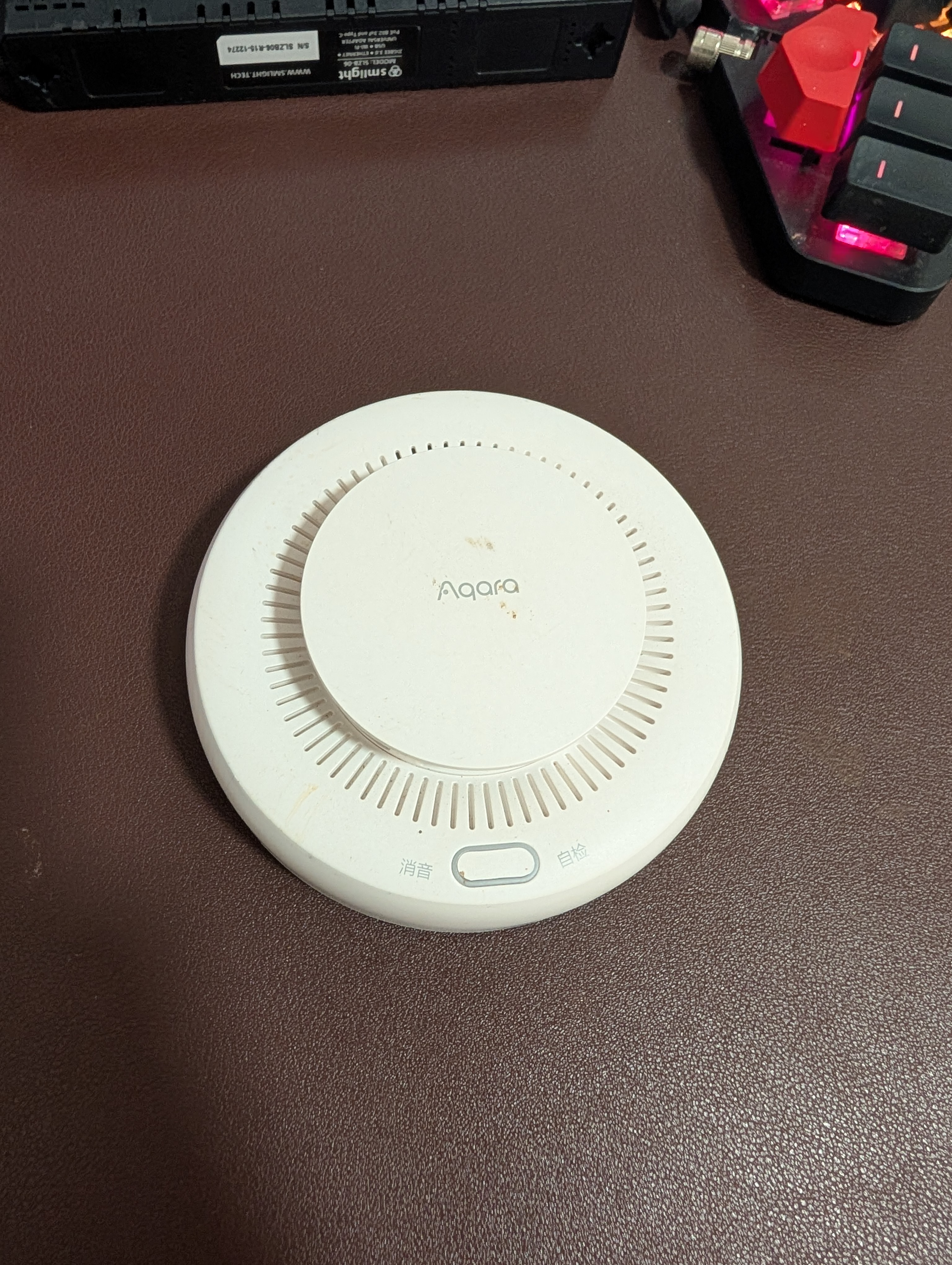
- Sounds the alarm locally and sends a notification to your phone
- This is where local control really matters - it must still work when the internet is down
- Test button on the front; replace it when the firmware reports end of life
My suggested starting kit
- Zigbee coordinator (SONOFF Dongle-M, dual antenna)
- Home Assistant on anything with 4GB RAM
- 2-3 Zigbee smart plugs - they also act as mesh routers
- 1 motion sensor + 1 door sensor
- Build one automation you will actually use, then expand from there